 temusubi
Start your call, open temusubi
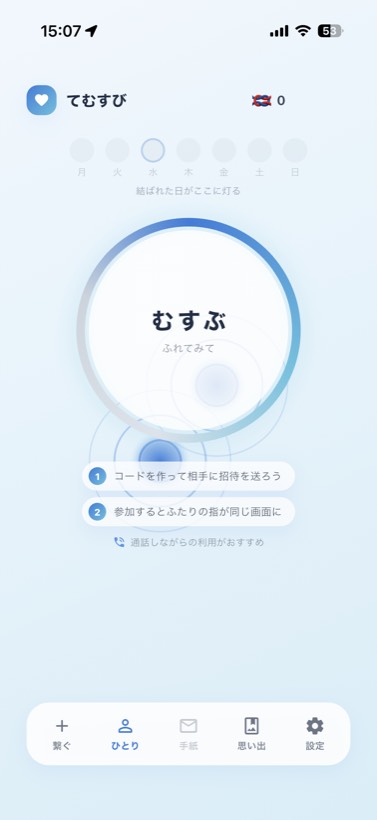
Invite your partner from Home, and both your fingers share one screen. Anyone you've connected with stays on Home, so next time it's just one tap to invite them.
An app for two, opened alongside your call
Keep your usual call going and open temusubi.
Where your partner touches, your screen lights up in the very same spot.
No sign-up needed. Free to start.
Just keep temusubi open next to your calling app.
Invite your partner from Home, and both your fingers share one screen. Anyone you've connected with stays on Home, so next time it's just one tap to invite them.
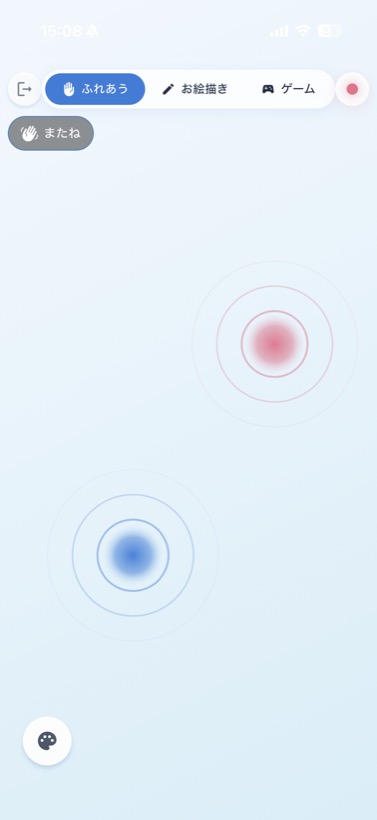
See where your partner's finger is, in real time. When your fingers overlap, a ripple of light shows up on both screens.
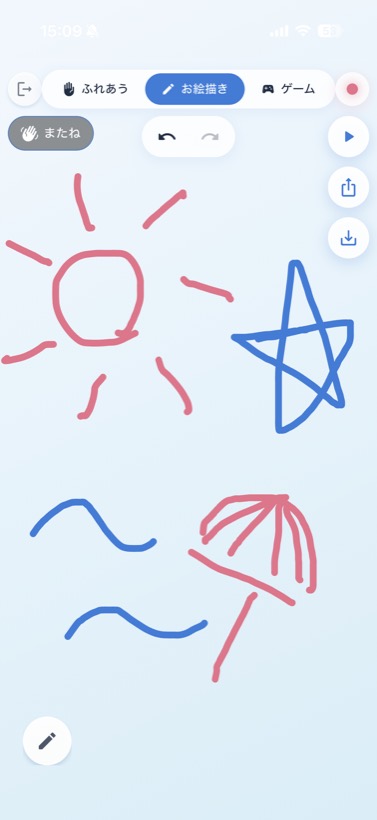
One canvas, both of you at once. One of you draws a sun, and the other adds a star.
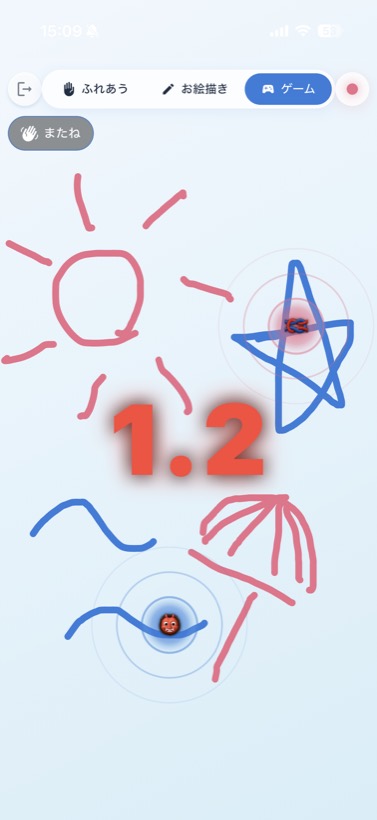
Play tag on the screen, or guess where the other touched. Win, and “knots” add up in your shared record.
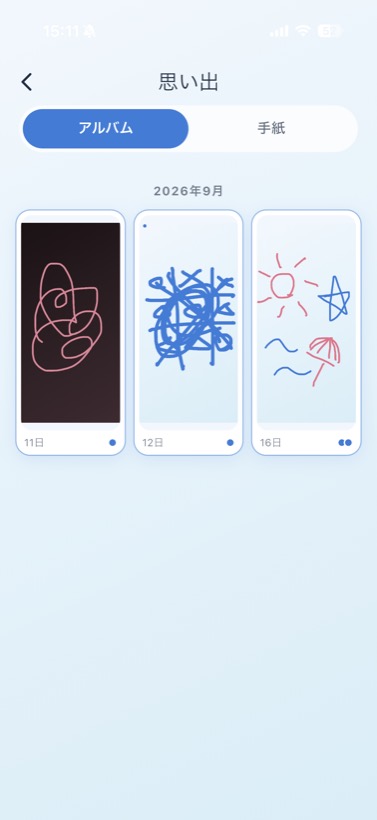
When you're done, wave and say “See you.” Tonight's drawing stays in your album, so you can look back on it later.
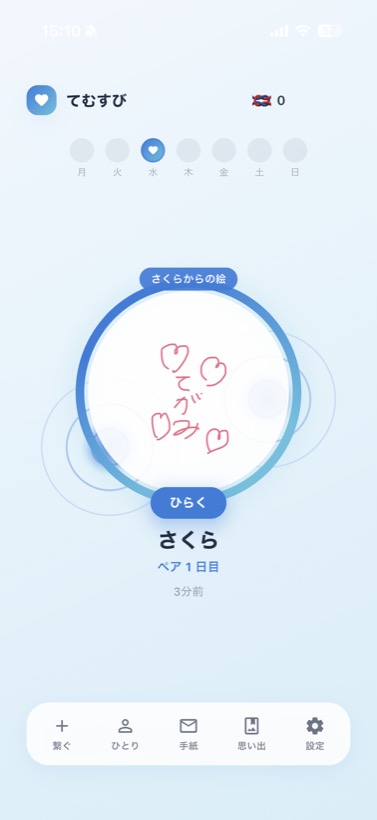
When you can't be together, you can leave a hand-drawn letter on your partner's Home screen.
No email or password needed.
No. Talk as you usually do, over FaceTime or a phone call. temusubi sits alongside your call and takes care of the touch.
No. Opening the invite link lets them join straight from a browser. Some features, like exporting timelapse videos, are only in the app.
temusubi is free to use, and there are no ads. There's also Musubi Plus, a one-time paid upgrade (no monthly fee) that adds more colors and touch effects and exports timelapses in high quality.
No. If you link a Google or Apple account later, you can keep your pair when you switch phones.
Yes. Choose your color and your partner's, and both screens show the same pair of colors. Pick from 3 colors for free, or 8 with Musubi Plus.